Dec 18, 2024
Replace Stack Dyno defaults with your logo, palette, and typography in minutes.
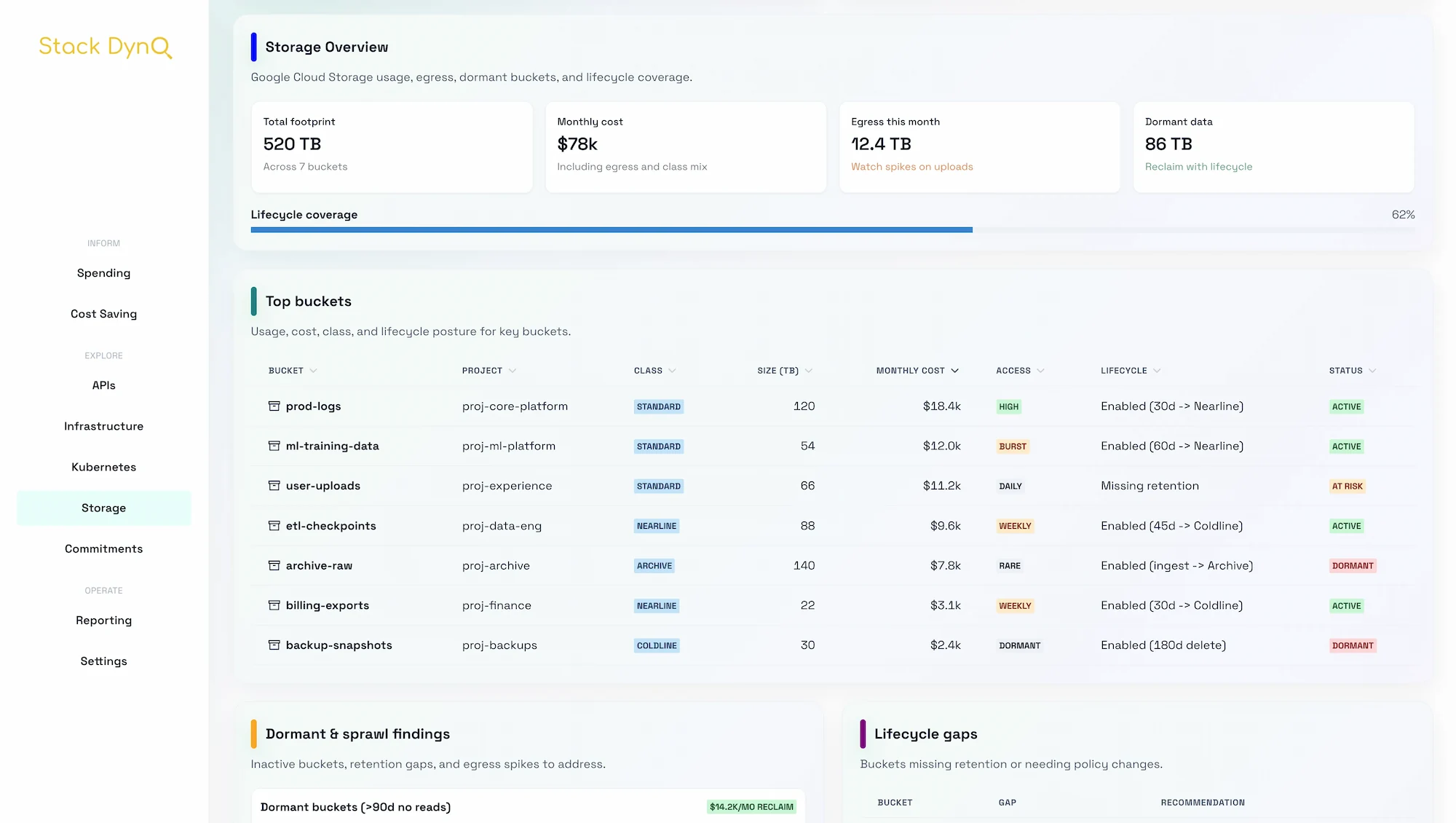
Show customers a familiar brand by tailoring Stack Dyno’s theme tokens and assets.
/website/public/img/stack_dyno_logo.png with your SVG or PNG (keep the dimensions similar)./website/public/favicon.svg for browser tabs.Edit website/src/theme.ts to point to your palette:
const colors = {
brand: {
50: '#e7f3ff',
500: '#0d66ff',
700: '#003f9e',
},
};
Stick with a single brand color plus neutral grays—overloading the palette reduces scannability.
fonts.heading and fonts.body with any Google Fonts pair.<link rel="preconnect"...> tags in index.html.Stack Dyno ships light-mode only, but Chakra makes a toggle easy:
useSystemColorMode in theme.ts.SiteHeader.styles.css for gradients and hero sections.Document every tweak inside /docs/custom-branding so marketing and engineering stay aligned.
Need more depth? Check the related guides or ping us for a live walk-through.
Read the blog