Dec 26, 2024
Sync contextual tables (labels, business units, owners) so FinOps narratives stay human-readable.
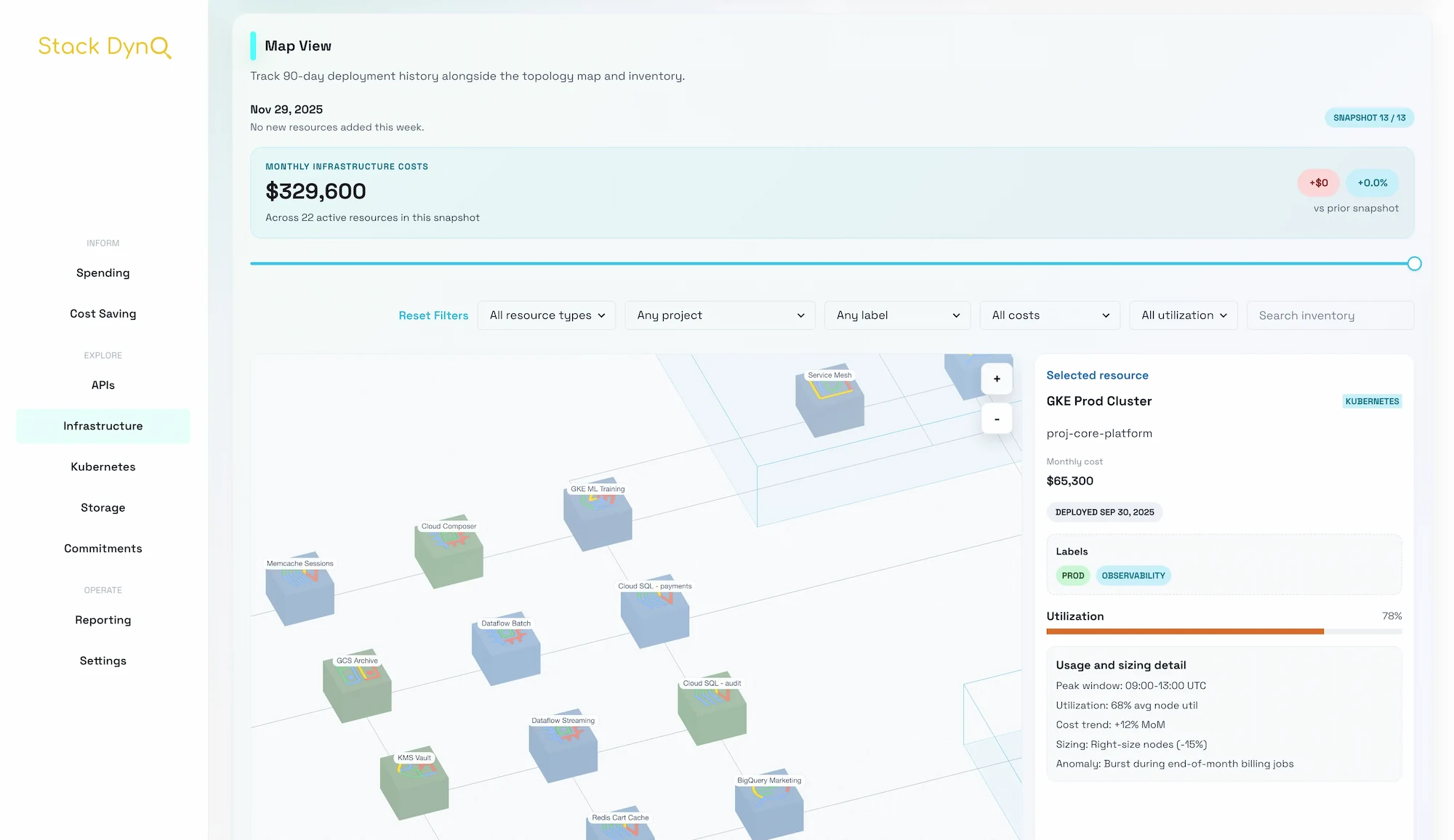
Beyond raw billing export data, Stack Dyno benefits from lightweight lookup tables that translate project IDs into ownership, lifecycle stage, and margins.
| Table | Columns | Purpose |
|---|---|---|
teams | team_id, name, leader_email | Drive alert routing + savings owners |
projects | project_id, business_unit, env, product | Friendly labels for Sankey + filters |
commitments | sku, term_months, coverage_target | Automate CUD guidance |
MERGE `my-project.stackdyno_metadata.projects` AS target
USING `my-project.tmp.projects_staging` AS src
ON target.project_id = src.project_id
WHEN MATCHED THEN UPDATE SET
business_unit = src.business_unit,
env = src.env,
product = src.product
WHEN NOT MATCHED THEN
INSERT(project_id, business_unit, env, product)
VALUES(project_id, business_unit, env, product);
frontend-user/src/state/FrontendUserDataContext.tsx to enrich the dataset before rendering.frontend-reseller so both apps stay in sync.Once the lookup tables land, screenshots, alerts, and dashboards all reference the same friendly naming conventions.
Need more depth? Check the related guides or ping us for a live walk-through.
Read the blog