Dec 20, 2024
Map Stack Dyno anomalies, digests, and reports to the tools your teams already use.
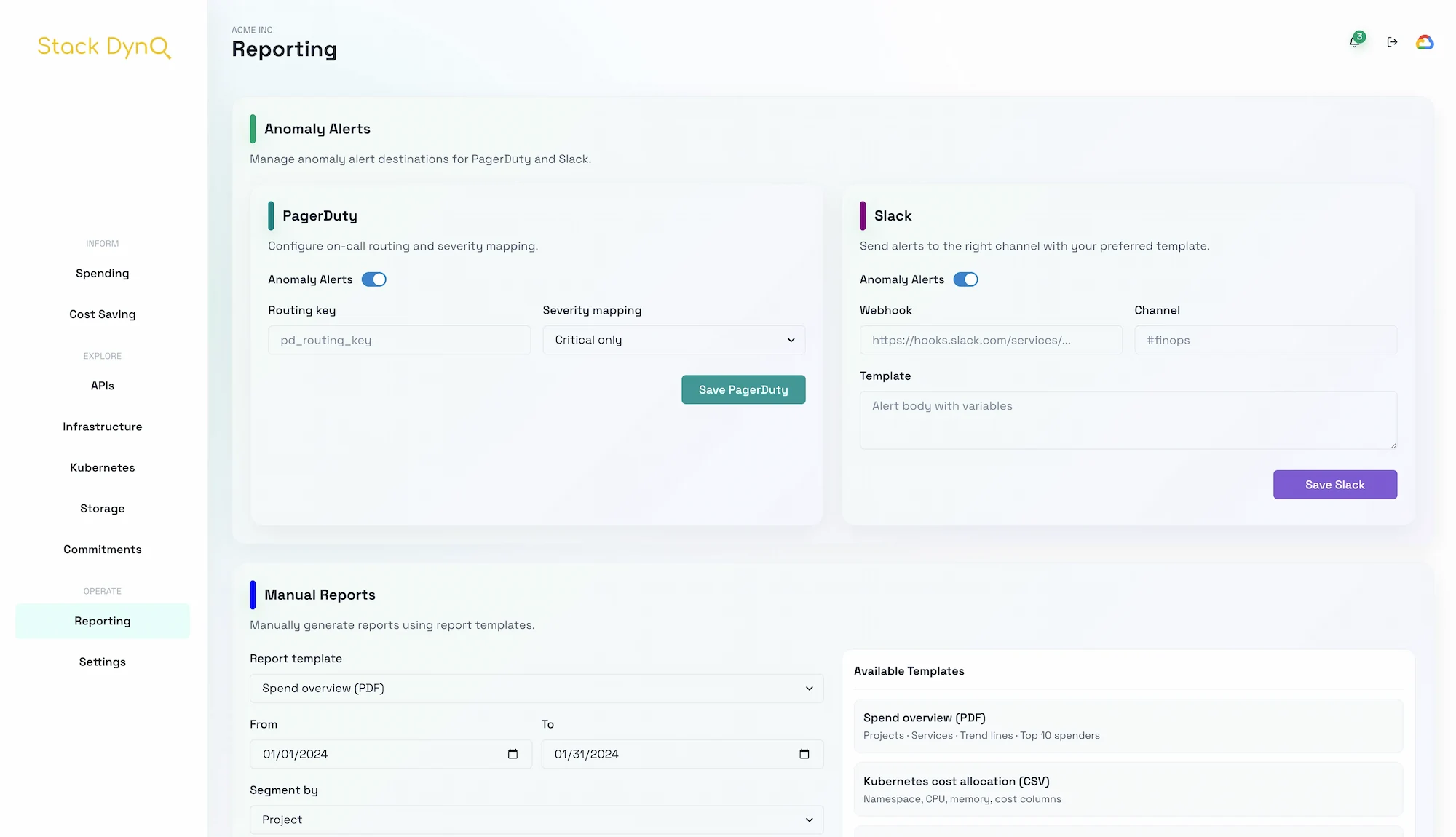
Notifications only work when they land with the right context. Use this playbook to keep FinOps signals high-signal and low-friction.
| Signal | Default channel | Why |
|---|---|---|
| Cost anomaly | PagerDuty | wakes on-call + enforces runbooks |
| Savings digest | Slack | async summary teams can scan quickly |
| Exec report | attachments + forwarding trail |
{
"type": "anomaly",
"team": "platform",
"target": {
"channel": "#gcp-spend",
"provider": "slack"
},
"budgetImpact": 3400,
"link": "/spending/projects?project=payments-prod",
"notes": "Spend is +27% WoW after the batch import launch."
}
frontend-user/src/components/AlertsPanel.tsx.Badge colors to mirror severity (green/yellow/red).https://stackdyno.dev/docs/alerts-routing so recipients can self-serve context.Once alerted teams know where to go for context, they start asking for more automation instead of muting it.
Need more depth? Check the related guides or ping us for a live walk-through.
Read the blog